Nook — the app for couples
A shared home for two: who does what, what to buy, when the anniversary is and what to give. Free, no ads.
Open Nook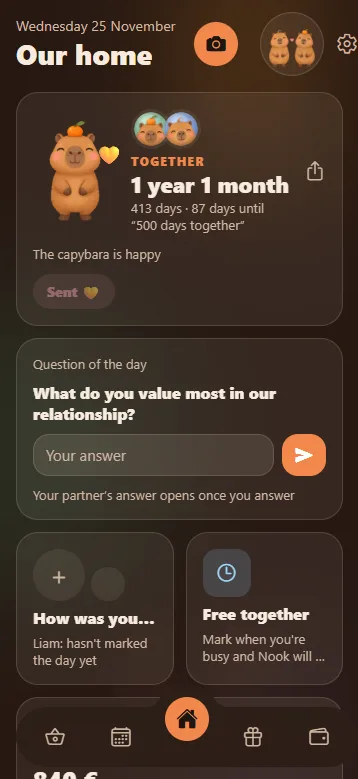
What Nook does
Chores and shopping
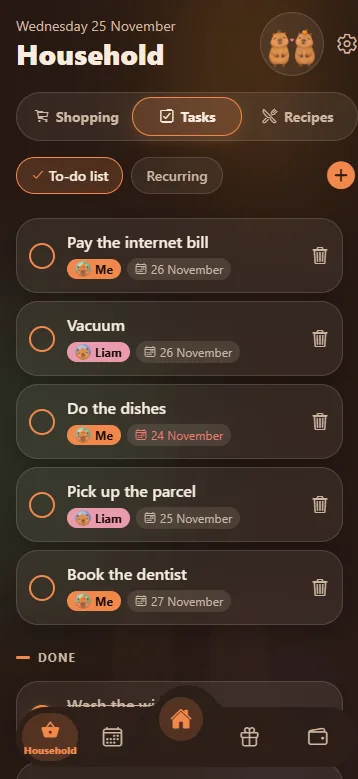
Shared tasks with an owner, a due date and repeats, a shopping list grouped by aisle, and recipes that add ingredients to it.
Calendar and days together
A shared calendar, anniversaries and birthdays, and a "together" counter with round dates.
A wishlist that keeps secrets
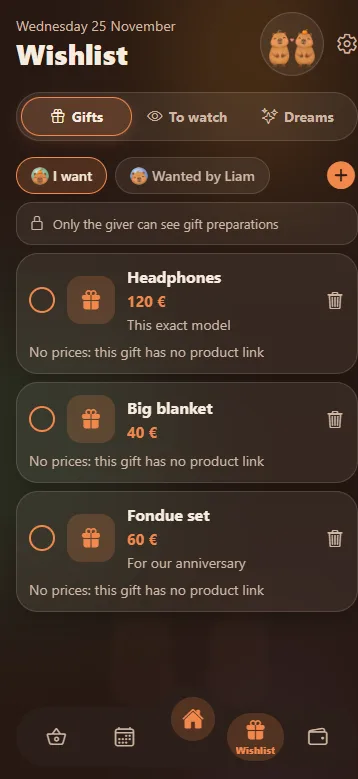
Your partner can quietly reserve a gift: the person who wished for it never finds out. There is also a watch list and a dream board.
Money together
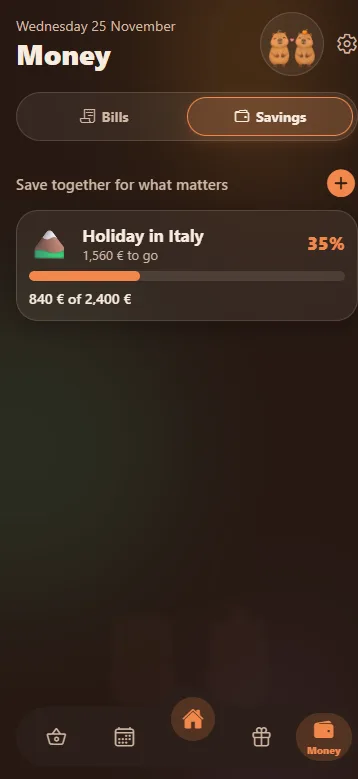
Savings goals and shared bills: who pays what.
Choose together
Swipe films and recipes, and the app shows what you both liked.
A little warmth
Question of the day, mood, "Thinking of you", a photo for your partner that lasts 24 hours, and a capybara that loves what you do together.
Questions and answers
What is Nook Couple?
Nook (Nook Couple, nookcouple.com) is an app for couples: one shared place for chores, shopping, a calendar, wishlists, trips and savings.
How much does Nook cost?
Nook is free and has no ads.
Which devices does it work on?
In the browser, on Android (APK from the site) and on iPhone as a web app on the home screen.
How do I add my partner?
Sign in with Telegram or Google, create your shared home and send your partner the invite code.
Who can see our data?
Your home's data is visible to you and the partner you invite. It is stored on a server in the EU, the connection is encrypted and we do not sell it. You can delete your account in the settings.
Which languages are available?
English, Ukrainian, Slovak and Russian.